Choose your photo app
Start free, then pay once for the app that fits what you make. Buy it here or on Etsy. Every app runs in your browser, with no subscription and no Smart Photo Tools account.
Compare the apps
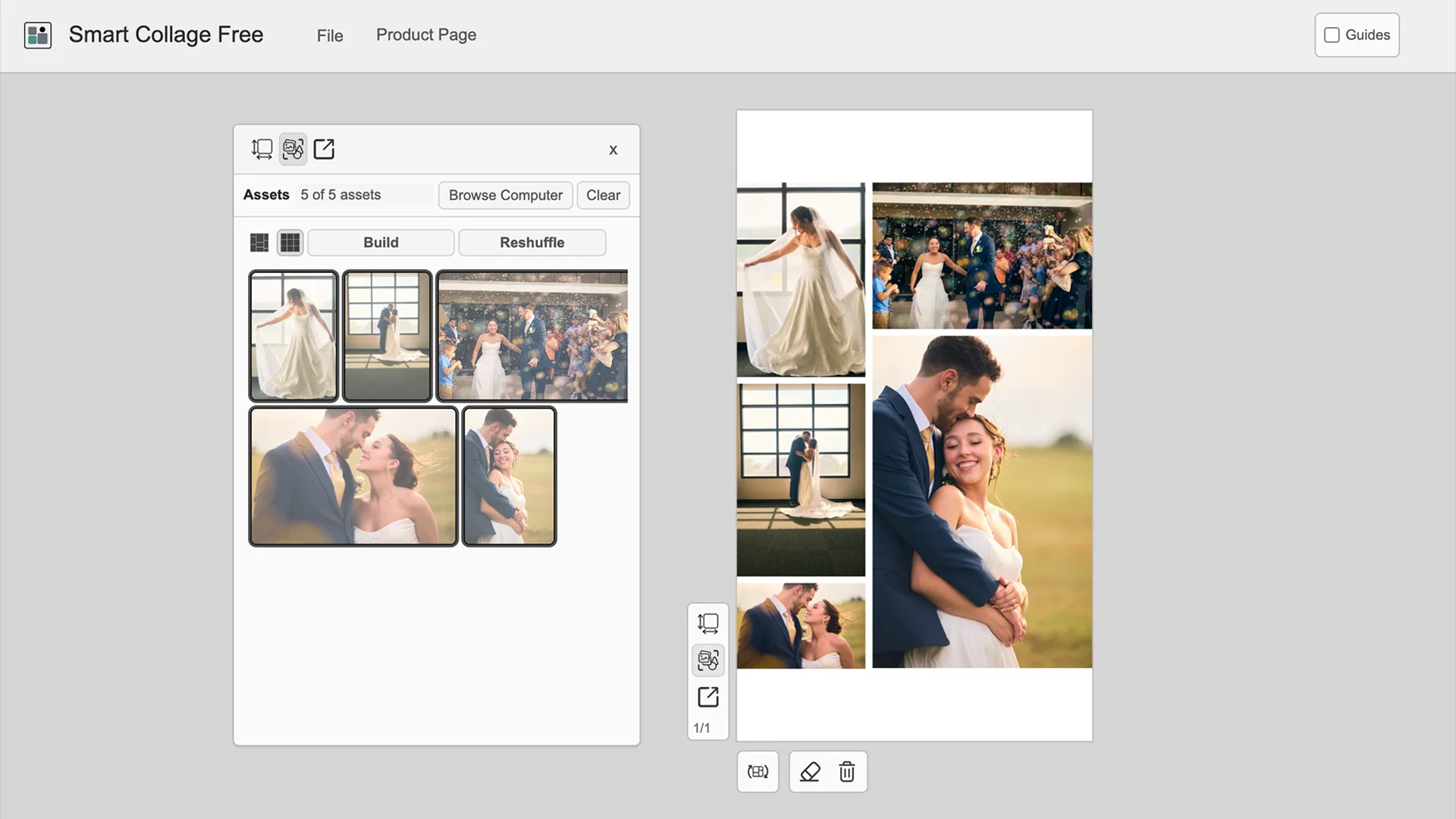
Smart Collage Free
One quick collage on your computer.
Free · Computer · One page · PNG or JPEG
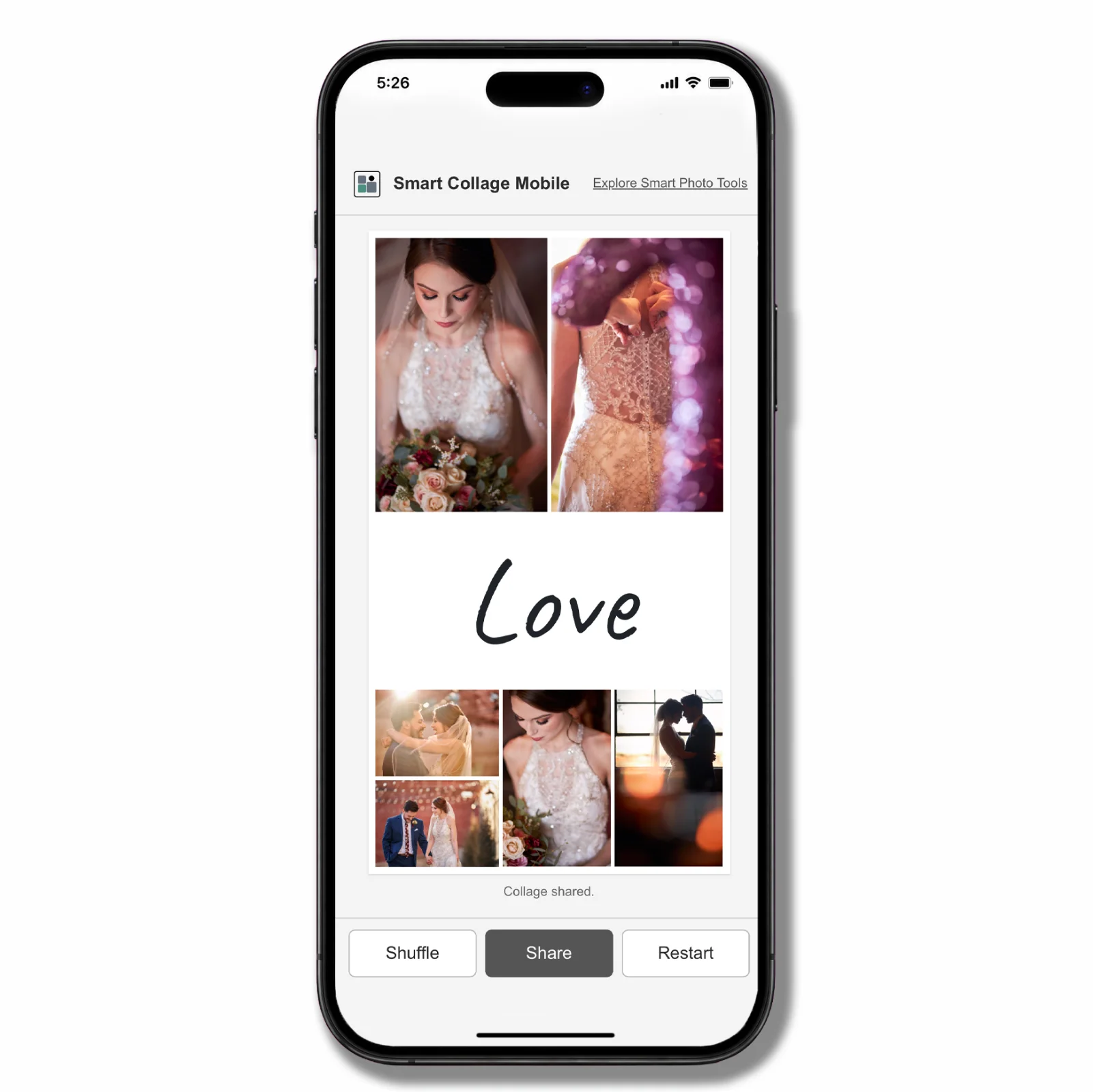
Smart Collage Mobile
A quick collage on your phone, ready to share.
Free · Phone · 2–10 photos plus an optional text tile · JPEG
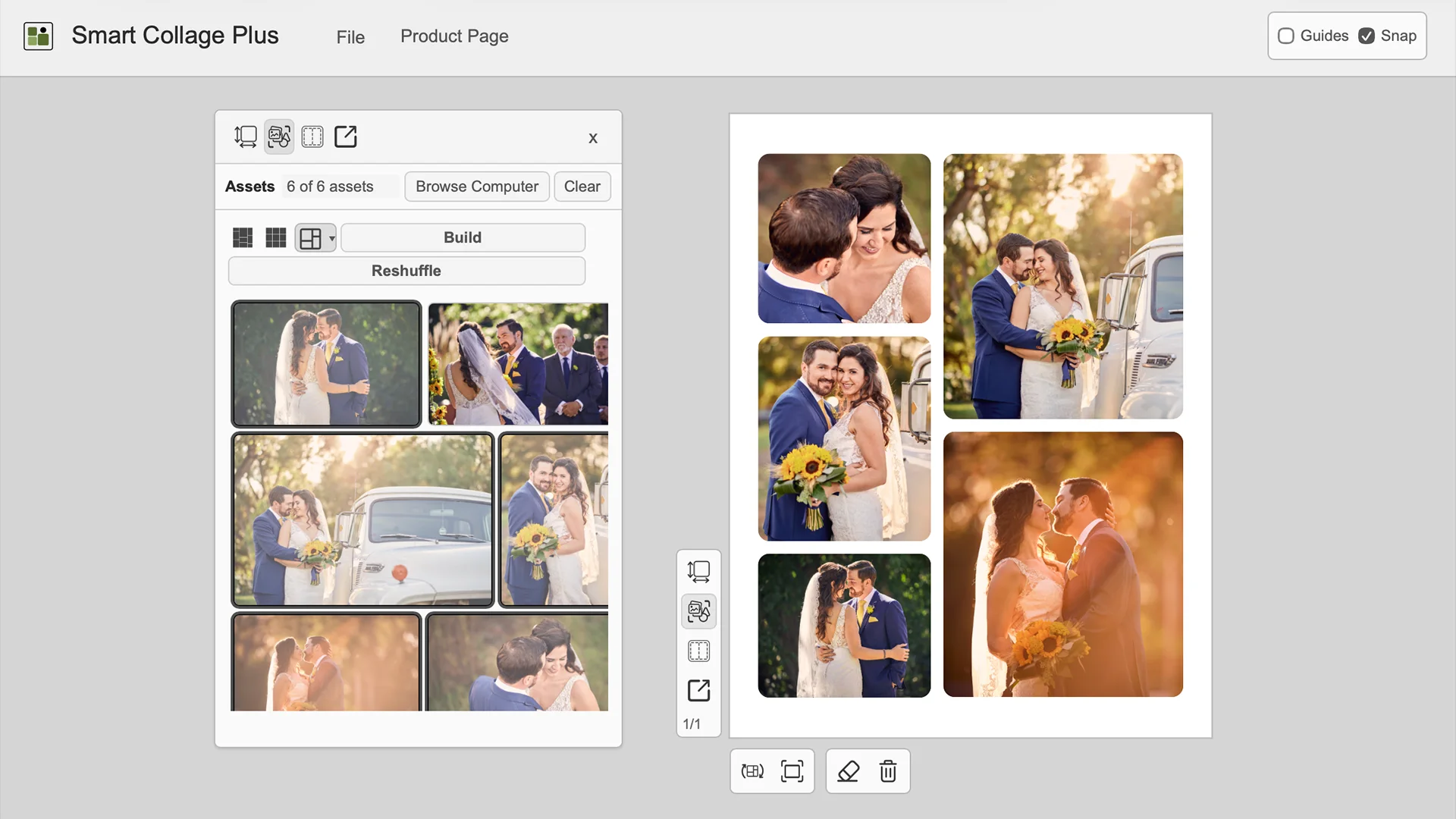
Smart Collage Plus
One collage, with every crop, border, and gap under your control.
$15 once · Computer · One page · PNG or JPEG
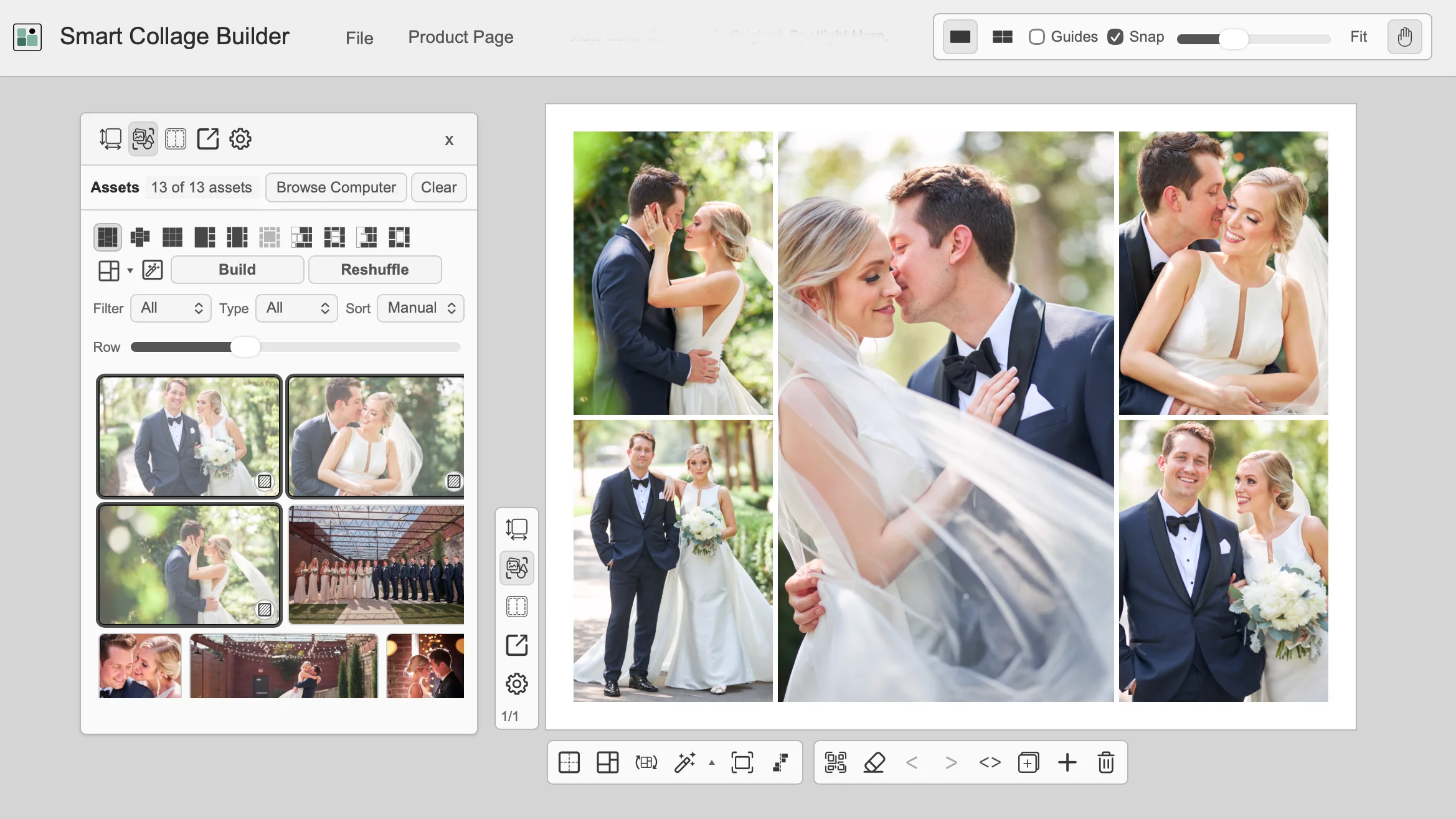
Smart Collage Builder
Lots of layouts across many pages. The best fit for most people.
$22 once · Computer · Auto Build, Layout Gallery, QR codes · PNG or JPEG
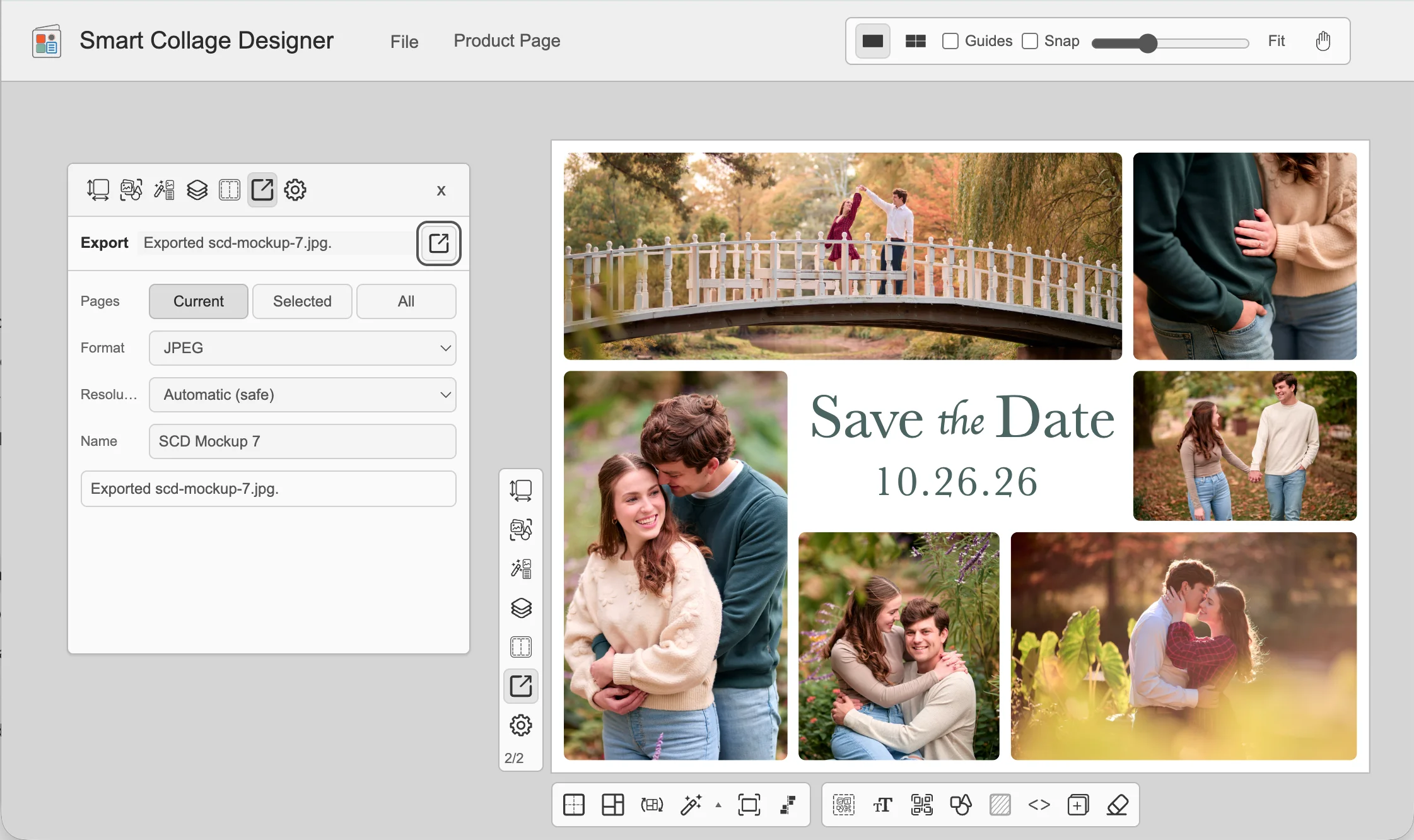
Smart Collage Designer
Save-the-dates, invitations, and posters with text, shapes, and QR codes.
$29 once · Computer · Auto Design, photo editing · PNG, JPEG, or PDF
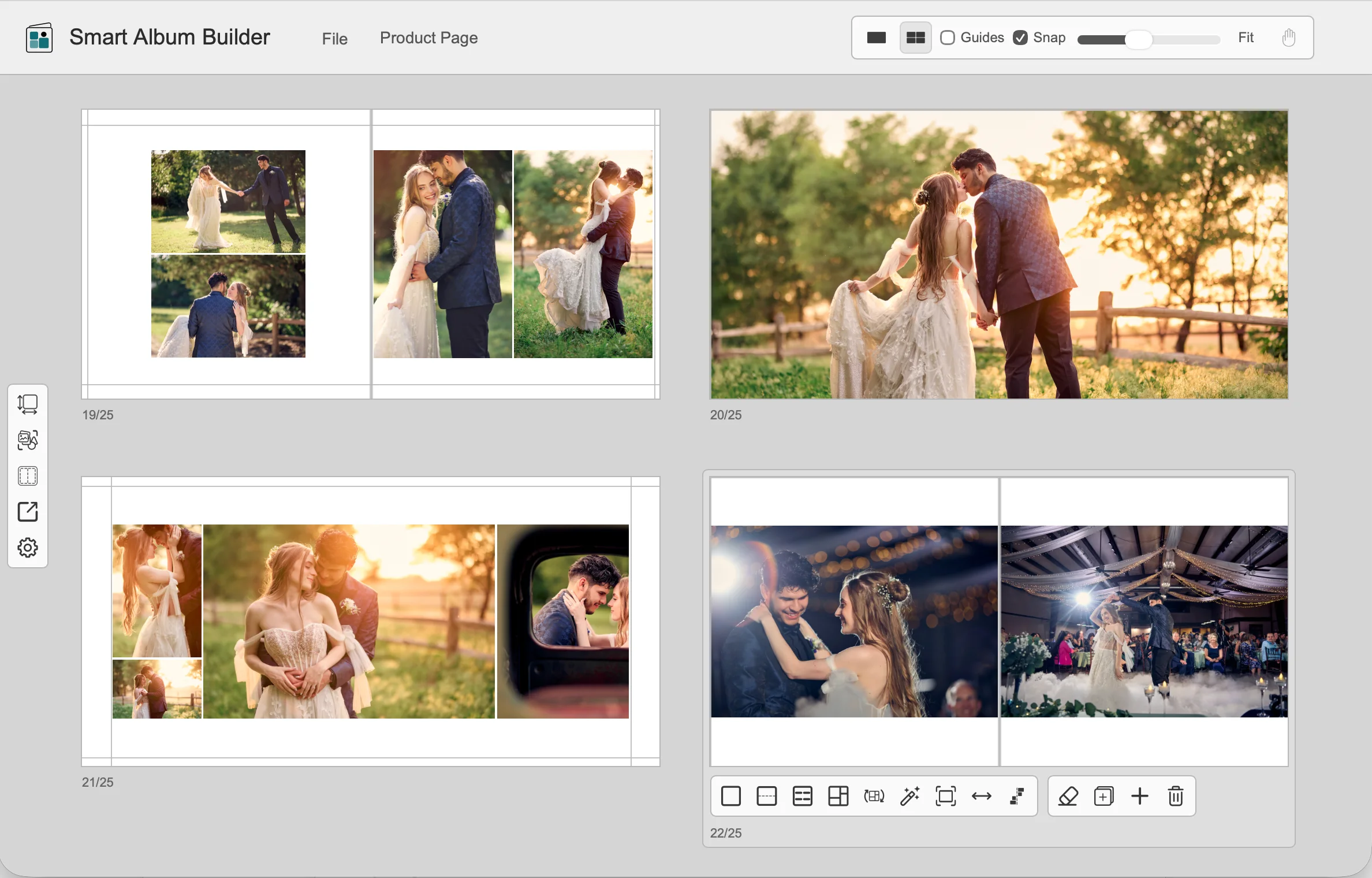
Smart Album Builder
A whole album, laid out for you.
$35 once · Computer · Auto Album, text, photo editing · PNG, JPEG, or PDF
Which app do I need?
Start with a free app. When you need more, buy the paid app that fits, one time. The paid apps use the same editor as Smart Collage Free, so trying Free first shows you how they work.
| What you want to make | App | Price |
|---|---|---|
| A quick collage on your phone | Smart Collage Mobile | Free |
| A simple collage on your computer | Smart Collage Free | Free |
| One collage, with full control over crops, borders, and spacing | Smart Collage Plus | $15 |
| Lots of layout options, multiple pages, and one-click Auto Build | Smart Collage Builder | $22 |
| Save-the-dates, invitations, and posters with text, shapes, and QR codes | Smart Collage Designer | $29 |
| A complete multi-page album, laid out for you | Smart Album Builder | $35 |
| Feature | Free | Mobile | Plus | Builder | Designer | Album Builder |
|---|---|---|---|---|---|---|
| Price | Free | Free | $15 once | $22 once | $29 once | $35 once |
| Runs on | Computer | Phone | Computer | Computer | Computer | Computer |
| Pages | 1 | 1 | 1 | Many | Many | Many |
| Adjust crops | ✓ | ✓ | ✓ | ✓ | ✓ | ✓ |
| Borders, spacing, and photo swaps | — | — | ✓ | ✓ | ✓ | ✓ |
| Auto Build and Layout Gallery | — | — | — | ✓ | ✓ | ✓ |
| QR codes | — | — | — | ✓ | ✓ | ✓ |
| Text | — | Text tile | — | — | ✓ | ✓ |
| Shapes | — | — | — | — | ✓ | ✓ |
| Photo color and tone editing | — | — | — | — | ✓ | ✓ |
| Auto Design | — | — | — | — | ✓ | — |
| Auto Album | — | — | — | — | — | ✓ |
| Sizes | Print and web | Phone and social | Print, wall art, and web | Print, wall art, and web | Print, wall art, and web | Album and book, plus custom |
| Export | PNG, JPEG | JPEG | PNG, JPEG | PNG, JPEG | PNG, JPEG, PDF | PNG, JPEG, PDF |
| Save and reopen projects | ✓ | — | ✓ | ✓ | ✓ | ✓ |
How buying works
- Choose Buy direct to check out on this site, or Buy on Etsy. Either way, you pay once and get the same download.
- Download your files. Direct buyers get them right away and by email. Etsy buyers download them from Etsy.
- Open the app, click Select License File, and choose the license file from your download.
Direct checkout works in 81 countries. If yours isn't one of them, buy on Etsy. One purchase covers all your own computers.
Not sure which paid app to get? Smart Collage Builder is the best all-around collage app for most people. If you want words on the page, choose Smart Collage Designer or Smart Album Builder. They are the only computer apps that add text.