Smart Collage Free
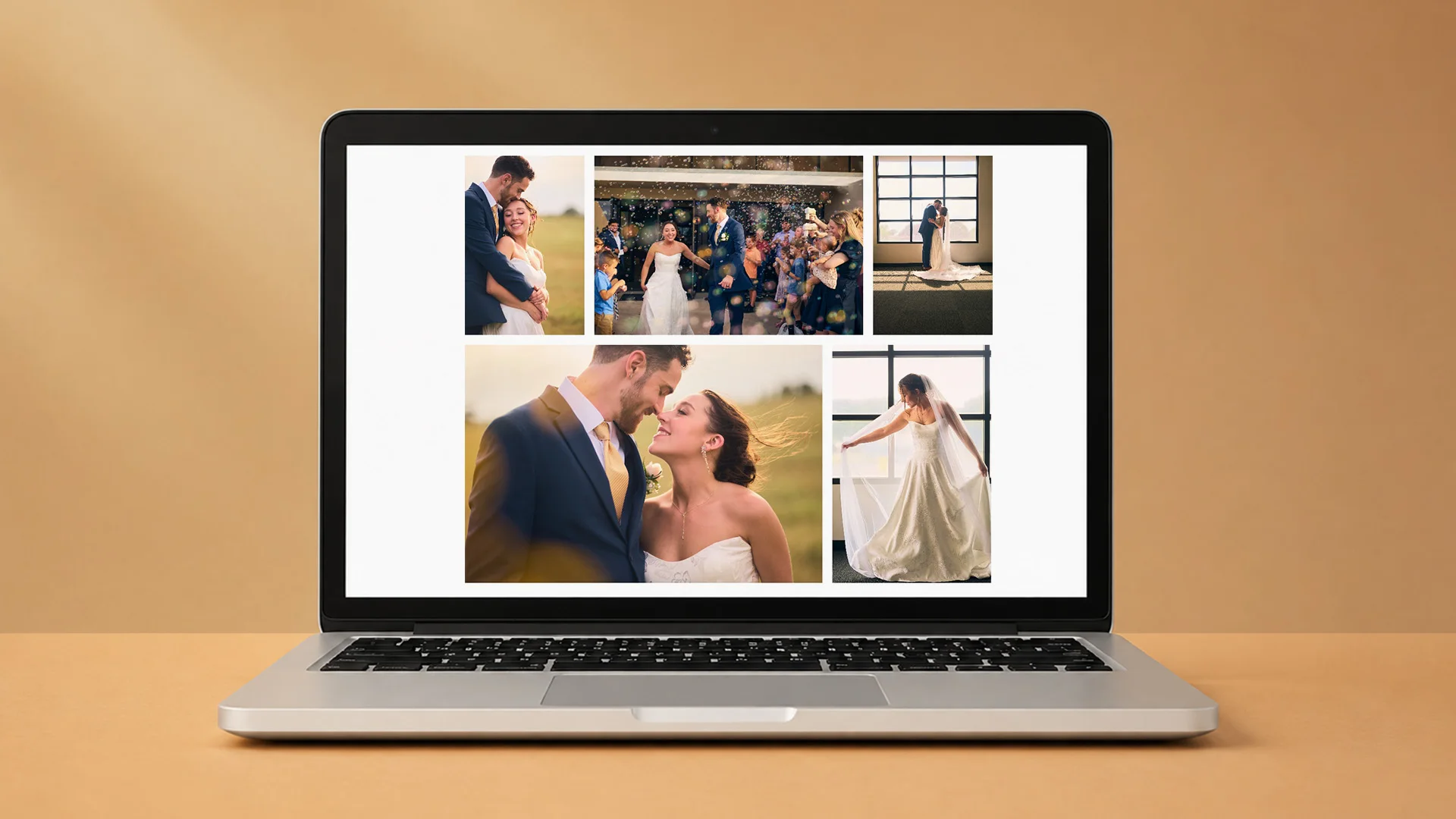
Make a photo collage for free.
Choose your photos and Smart Collage Free builds the layout. Reshuffle until you like it, drag to adjust the crops, and export a finished collage. It's free, with no account, and runs in your laptop or desktop browser.
See it in action
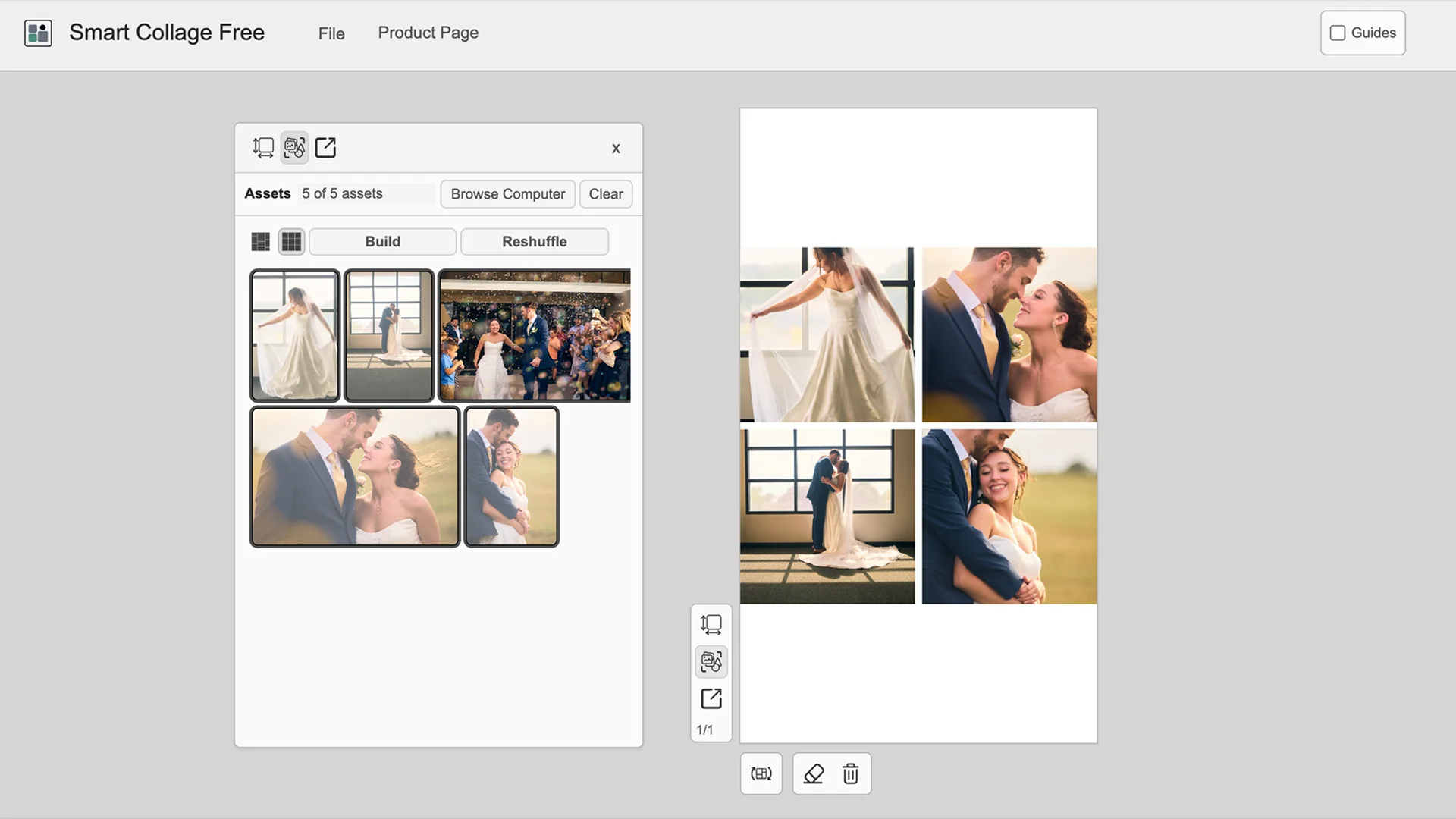
What you can do
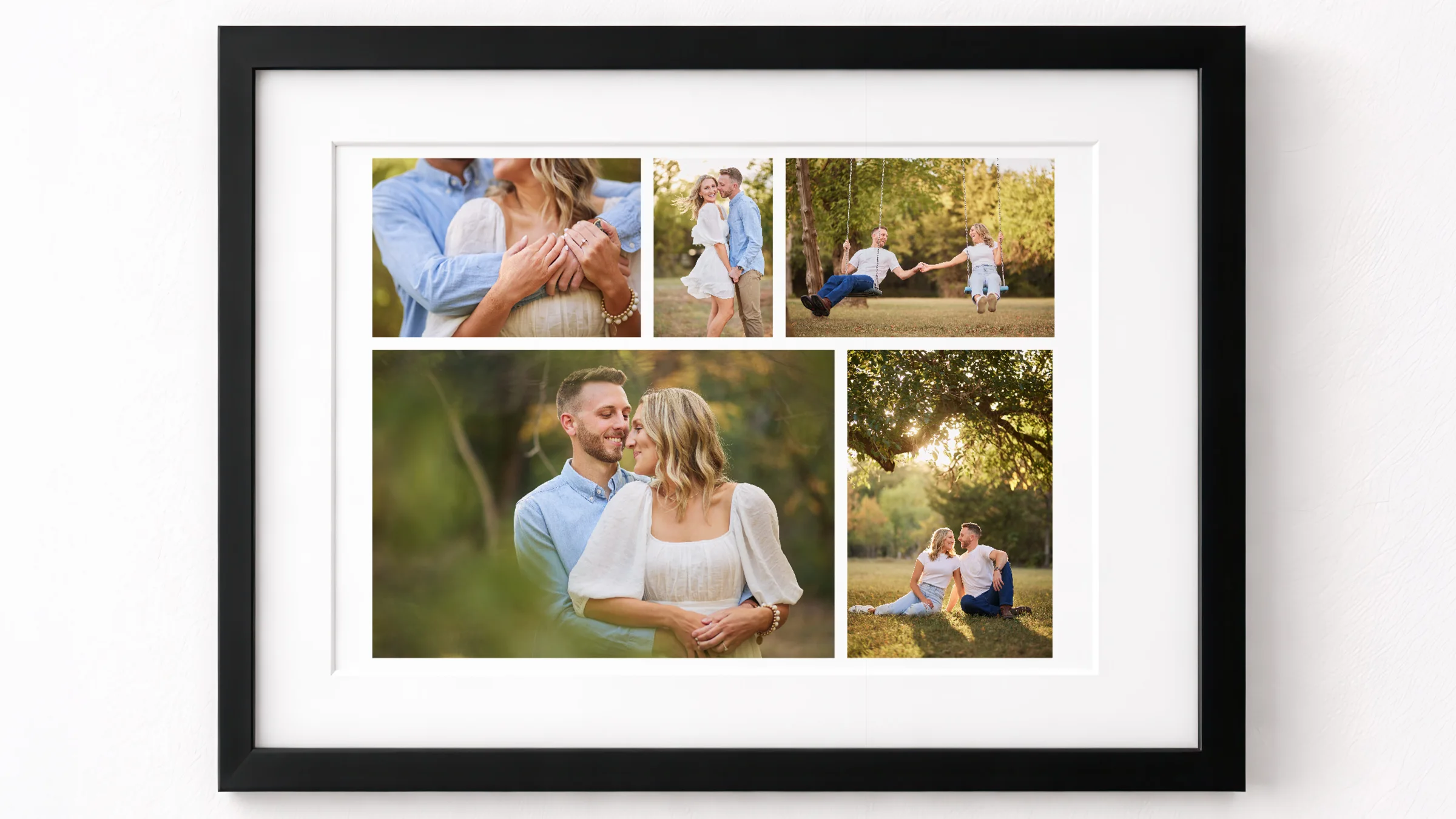
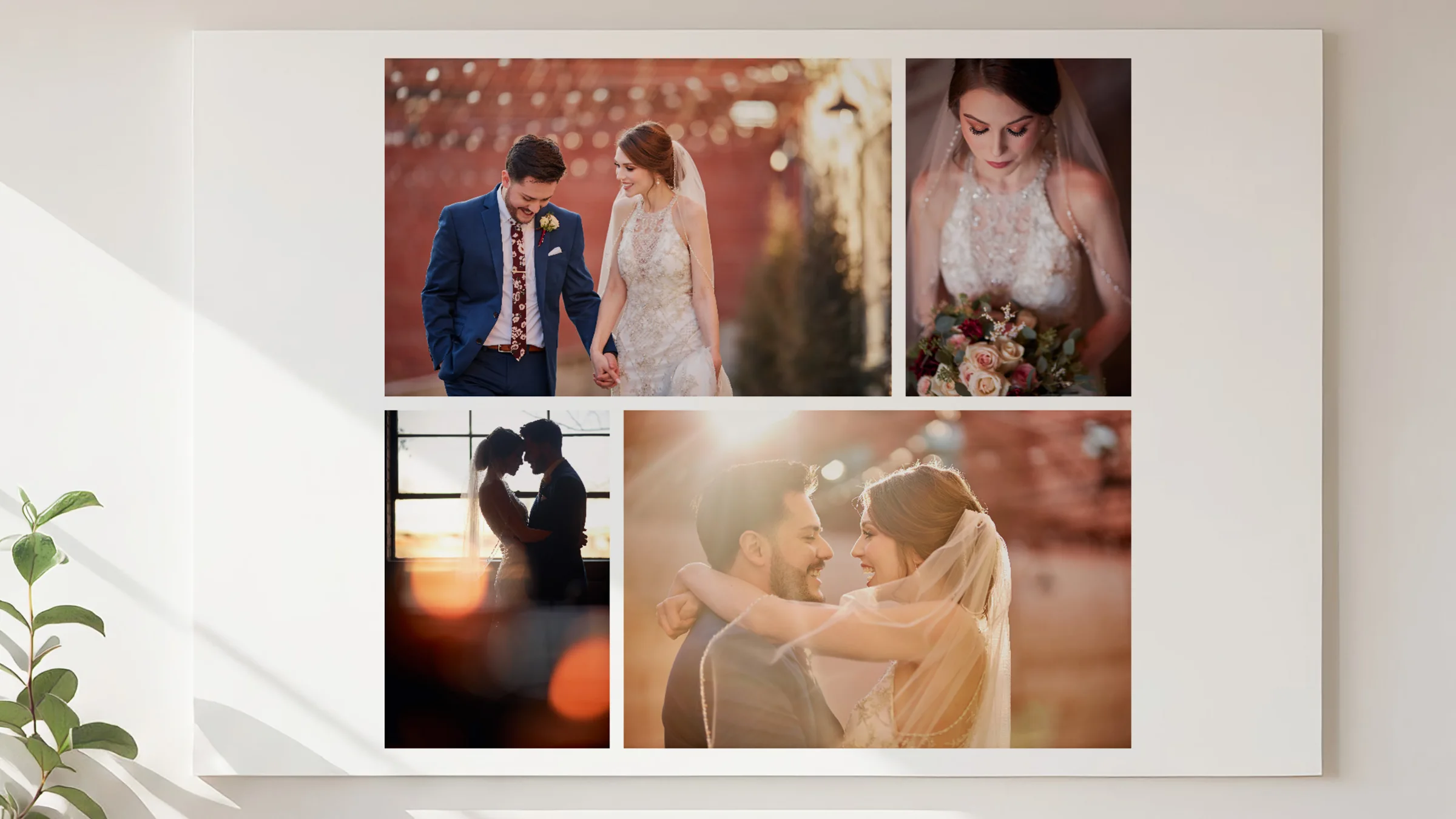
Build a one-page collage from up to 60 photos, keeping each photo's original shape or using square frames. Not quite right? Reshuffle for a new arrangement. Drag any photo to fix its crop, then export a PNG or JPEG. Sizes include 4×6, 5×7, 8×10, and 8.5×11 prints, plus square and story sizes for social media. iPhone HEIC photos work too.
What you can make
Get started
Open Smart Collage Free in a laptop or desktop browser. There's nothing to install and no account to create. Your photos stay on your computer; the app doesn't upload them. Save your project to pick up where you left off.
Need more than Free?
Smart Collage Free makes a solid one-page collage. When you want more, pick the next step by what you need:
- More control over one collage (borders, spacing, photo swaps) → Smart Collage Plus ($15). It opens the projects you saved in Free.
- More layouts, multiple pages, and Auto Build → Smart Collage Builder ($22)
- Text, shapes, and design tools → Smart Collage Designer ($29)
- A full album from a set of photos → Smart Album Builder ($35)
Each paid app is a one-time purchase, here or on Etsy, with no subscription. They all use the same editor as Free, so what you learn here carries over.