Smart Collage Mobile
Make a collage on your phone.
Choose 2 to 10 photos, add an optional text tile, and try layouts until one looks right. Save or share the finished JPEG. It's free, with no account.

Scan to open
On a computer? Scan to open Smart Collage Mobile on your phone.

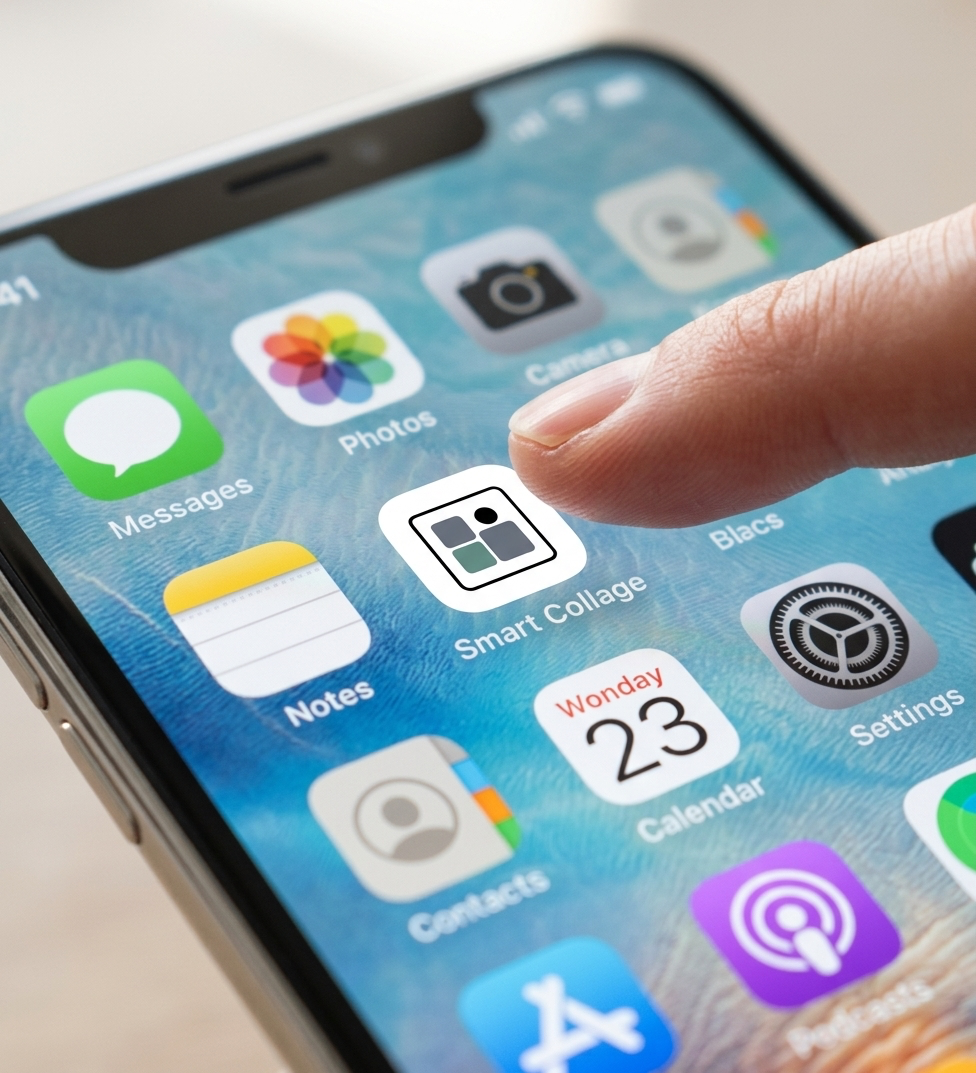
Add it to your Home Screen
Keep Smart Collage Mobile one tap away. Add it from your browser using the steps below.
iPhone or iPad: Open the app in Safari. Tap Share, choose Add to Home Screen, then tap Add.
Android: Open the app in Chrome. Open the browser menu, choose Add to Home screen or Install app, then follow the prompts.
See it in action
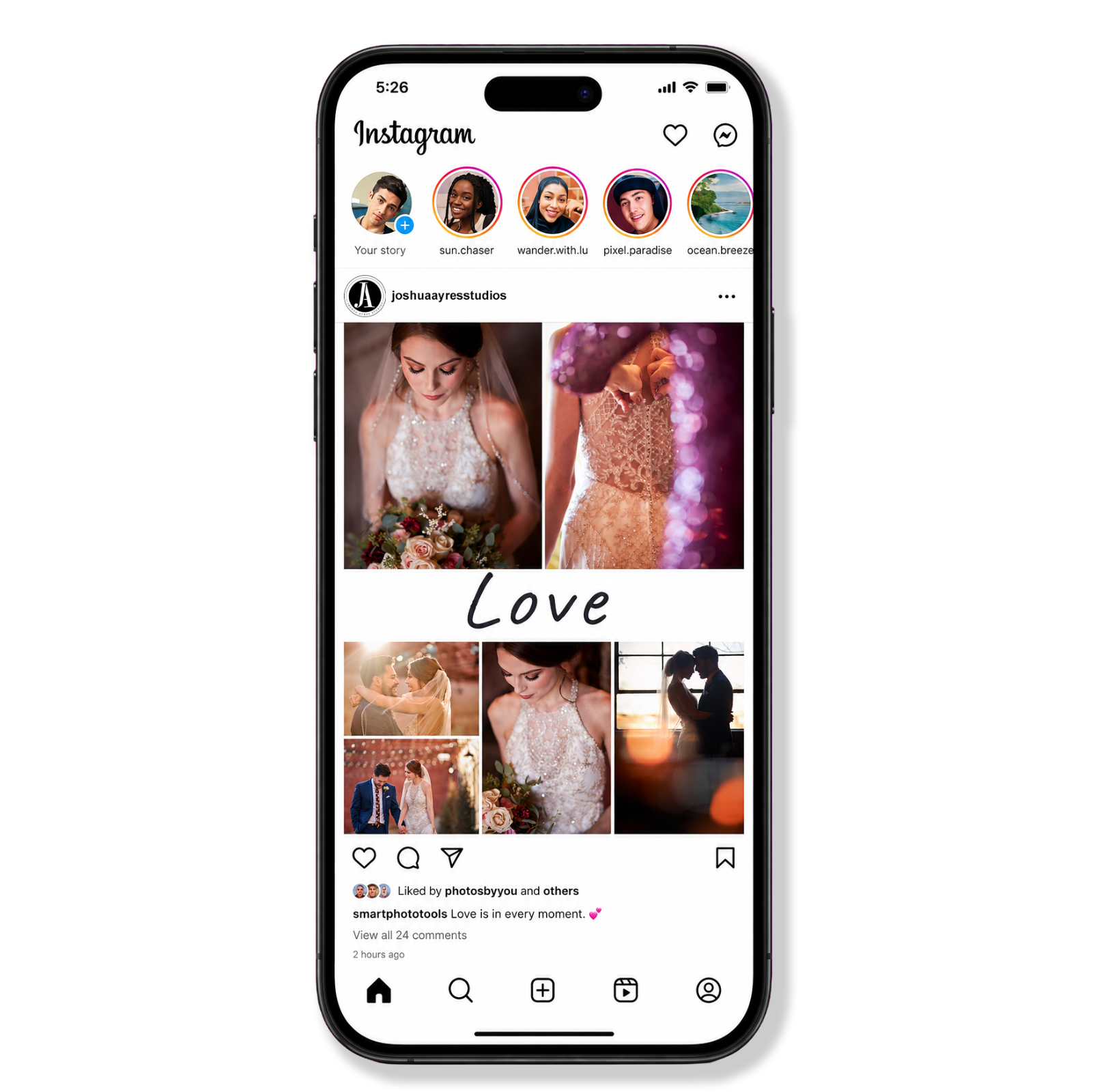
Choose your photos and add an optional text tile. Build, adjust the crops, or Shuffle for another layout. Share or download the finished JPEG.
Save or share your collage
Use Share to send the JPEG or download it. Save or share before closing; this app does not keep your collage for a later session.
Want more than Mobile?
Smart Collage Mobile is built for quick collages on your phone. For more, move to a computer:
- The same free start on a computer → Smart Collage Free
- Fine-tune one collage → Smart Collage Plus ($15)
- Lots of layouts, multiple pages, and Auto Build → Smart Collage Builder ($22)
- Text, shapes, and designs → Smart Collage Designer ($29)
- Full photo albums → Smart Album Builder ($35)
The paid apps are a one-time purchase, here or on Etsy, and run on a laptop or desktop computer.